API Vulnerability Scanning Checklist for 2026
 WeSecureXOctober 31, 2026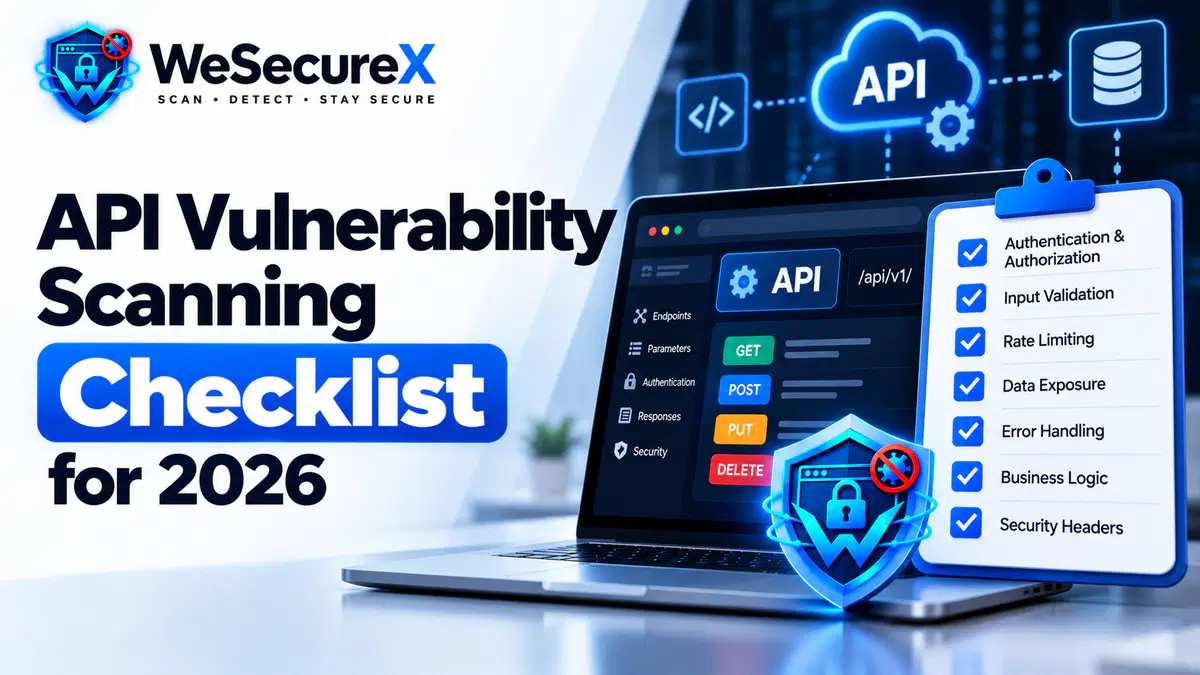
APIs are now the primary way software talks to software. Mobile apps, single page applications, partner integrations, and internal microservices all rely on them. That convenience comes with a cost. Every API endpoint is a potential door into your data.
Traditional website scanners do not cover APIs well. They test pages, forms, and links. They often miss JSON endpoints, authentication tokens, and business logic flaws that only appear when you call an API directly.
This guide gives you a practical API vulnerability scanning checklist. It covers what to scan, the 14 checks that matter most, the tools to use, and how to fix what you find. If you are new to security testing, start with our vulnerability scanning guide.
Quick Answer
An API vulnerability scan tests authentication, authorization, input handling, rate limiting, and data exposure on every endpoint. It compares your API against known weaknesses in the OWASP API Security Top 10. Run it weekly, after every deployment, and whenever you add a new endpoint.
Why APIs Need Their Own Scanning Approach
A website scanner crawls links. An API scanner does not have links to follow. It needs to understand your API specification, authentication scheme, and request formats.
APIs also fail in ways websites do not. A single endpoint might return data for every user if authorization is broken. A rate limit might be missing, letting an attacker enumerate thousands of records in minutes. These issues often pass a standard website scan without a single alert.
That is why API scanning is a separate discipline with its own tools, settings, and checklist. For related guidance, review our API security best practices.
The Most Common API Vulnerabilities
Before the checklist, it helps to know what usually goes wrong.
Broken object level authorization. The API returns data for an ID the user should not access. This is the most common API flaw and often the most damaging.
Broken authentication. Weak token handling, missing expiration, or predictable session identifiers.
Excessive data exposure. The API returns entire database records and lets the client filter, instead of returning only what is needed.
Lack of rate limiting. Attackers can brute force credentials or enumerate records without restriction.
Broken function level authorization. Admin endpoints are reachable by regular users because the check happens in the UI, not the API.
Mass assignment. The API accepts fields the client should not be able to set, such as role or account balance.
Injection flaws. The same risks that affect websites also affect APIs, including SQL injection and XSS when responses render in a browser.
Improper asset management. Old API versions stay live after deprecation, exposing unpatched code.
The 14 Point API Vulnerability Scanning Checklist
| Check | What to Test | Priority |
|---|---|---|
| Authentication | Tokens, sessions, expiry, rotation | Critical |
| Object level authorization | Access to other users' records | Critical |
| Function level authorization | Admin endpoints reachable by users | Critical |
| Rate limiting | Brute force and enumeration protection | High |
| Input validation | Unexpected types, oversized payloads | High |
| Output filtering | Sensitive data in responses | High |
| Error handling | Stack traces and internal details | Medium |
| Mass assignment | Unapproved writable fields | High |
| HTTP methods | Unused methods like PUT or DELETE | Medium |
| Versioning | Deprecated endpoints still live | High |
| CORS policy | Overly permissive origins | Medium |
| TLS and transport | Weak ciphers and expired certs | High |
| Logging and monitoring | Detection of abuse patterns | Medium |
| Documentation exposure | Swagger or OpenAPI publicly reachable | Low |
Each check deserves a dedicated test. Do not assume a passing result on one endpoint applies to all.
How to Prepare for an API Scan
Good scanning starts before you point a tool at anything.
Get the specification. If you have an OpenAPI or Swagger file, the scanner can import it and test every endpoint automatically. If you do not have one, build it. It is worth the effort.
Create test accounts. You need at least two users at different privilege levels. This lets you test whether one user can reach another user's data.
Define scope clearly. List the base URLs, versions, and environments in scope. Exclude third party APIs you do not own.
Set up a staging environment. Scan staging first. API scans send unusual requests that can trigger real side effects.
Back up data. Some tests write records. A fresh backup prevents painful cleanup. For a broader view of safe scanning, read how to scan a website without breaking it.
Tools for API Scanning
Several tools handle API scanning well.
OpenAPI aware scanners import your specification and generate targeted tests. This produces the best coverage with the least manual setup.
Proxy based tools like Burp Suite and OWASP ZAP let you record real API traffic and replay it with modifications. They are excellent for manual testing and for catching logic flaws.
Fuzzers send unexpected inputs to find crashes, error leaks, and unhandled types.
Specialized API security platforms combine scanning with runtime protection and behavior analysis. They are useful for large API estates.
General purpose scanners from our vulnerability scanning guide can supplement the above, especially for TLS and header checks.
Whichever tools you choose, run them on a schedule. Continuous scanning beats a one-time review. For context, see our post on continuous security scanning vs one-time scans.
How to Run an API Scan Step by Step
Step 1: Import the specification. Load your OpenAPI or Swagger file. If you do not have one, record traffic and generate it.
Step 2: Authenticate the scanner. Provide test tokens or credentials for each privilege level.
Step 3: Run a baseline scan. Start with authentication and authorization checks. These are the highest value.
Step 4: Add fuzzing. Test input validation with unusual types, lengths, and characters.
Step 5: Test rate limits. Send rapid requests and observe whether the API throttles or blocks.
Step 6: Check error responses. Force errors and inspect the output for stack traces or internal paths.
Step 7: Verify versioning. Call old API versions and confirm they are disabled or properly secured.
Step 8: Review CORS. Test cross origin requests from untrusted domains.
Step 9: Document results. Capture requests, responses, and evidence for each finding.
Step 10: Re-scan after fixes. Verification confirms the fix worked. Our post on what to do after a vulnerability scan covers the remediation workflow.
Triaging API Findings
API scans often produce a mix of real issues and noise. To triage quickly, confirm the asset exists, reproduce the issue with a manual request, and check whether the finding is exploitable in your environment.
For findings that are real, score them by business impact. An authorization flaw on a public endpoint that returns personal data is more urgent than a missing header on an internal service. Our guide on how to prioritize vulnerabilities by business impact gives you a scoring model.
Use CVE, CWE, and CVSS to name, categorize, and rank each issue. Our post on CVE vs CWE vs CVSS explains how they connect.
Fixing Common API Findings
Broken authorization. Move checks to the server. Never trust the client. Validate every request against the user's identity and role.
Weak authentication. Use short lived tokens, refresh rotation, and secure storage. See our authentication security guide.
Excessive data exposure. Return only the fields the client needs. Do not rely on the UI to filter.
Missing rate limits. Add per user and per IP limits. Log repeated failures.
Mass assignment. Use allow lists for writable fields. Never bind request bodies directly to database models.
Input validation. Validate type, length, and format on the server. Our input validation guide covers practical patterns.
Deprecated versions. Retire old versions with a clear sunset plan. Monitor for continued use.
CORS misconfigurations. Restrict origins to the domains that need access. Avoid wildcards on authenticated endpoints.
Weak TLS. Update cipher suites and protocols. Review our TLS and SSL configuration guide.
API Scanning and Compliance
If your API handles personal data or payments, scanning is part of your compliance obligation. GDPR for developers expects reasonable security for personal data. PCI DSS basics applies when payment data flows through your API. SOC 2 overview expects monitoring controls that include API security.
Continuous API scanning also helps you show due diligence during audits. A documented timeline of scans and fixes is stronger evidence than a single report.
API Security and SEO
APIs rarely appear in search results, but they affect your site's reputation indirectly. A compromised API can expose user data, trigger browser warnings, or cause outages that damage rankings. Pair your security work with a technical SEO audit and a Core Web Vitals review to protect both trust and traffic.
Quick Checklist
- □
OpenAPI or Swagger specification available
- □
Test accounts at multiple privilege levels
- □
Scope defined and documented
- □
Staging scan completed first
- □
Authentication and authorization tested
- □
Rate limiting verified
- □
Input validation and fuzzing completed
- □
Error responses sanitized
- □
Deprecated versions checked
- □
CORS policy reviewed
- □
TLS configuration verified
- □
Findings scored by business impact
- □
Fixes applied and verified with a re-scan
FAQ
Do website scanners cover APIs?
Partially. They miss authorization flaws, rate limiting issues, and logic errors. Use an API aware tool for full coverage.
How often should I scan APIs?
Weekly at minimum. Daily or continuous for public APIs and anything handling sensitive data.
Can I scan APIs in production?
Yes, with caution. Use read only tests and low intensity settings. Staging is safer for write operations.
What is the biggest API risk?
Broken object level authorization. It is the most common and often the most damaging.
Do I need penetration testing for APIs?
Yes. Automated scans miss logic flaws and chained attacks. Schedule periodic manual testing. See our comparison of vulnerability scanning vs penetration testing.
How do I handle CSRF attacks on APIs?
Use token based authentication and avoid cookie based sessions for API access where possible.
Where do I start if I have no specification?
Record real traffic through a proxy, then generate an OpenAPI file from it. Most tools support this.
Conclusion
APIs expand your attack surface in ways website scanners cannot see. A dedicated API vulnerability scanning checklist closes that gap. Import your specification, test authentication and authorization first, fuzz inputs, check rate limits, and verify every fix with a re-scan.
Do this weekly and your API security posture improves continuously, even as your endpoints multiply.
Need help securing your APIs? Learn more about us, explore our pricing, browse our guides, check our refund policy, or contact us for a security review. You can also read more articles on our blog.
Audit Your Website for Vulnerabilities in Real Time
Run an automated OWASP Top 10 security assessment, check SSL/TLS posture, and map your attack surface.
Related Technical Articles & Research
How to Scan a Website Without Breaking It
Essential DAST best practices: rate limiting, safe request windows, and non-destructive payload testing on production web apps.
What to Do After a Vulnerability Scan: 10 Step Remediation Roadmap
A structured 10-step triage and engineering workflow to verify, prioritize, patch, and re-test reported vulnerabilities.
False Positives in Vulnerability Scanning: How to Triage Them
Techniques to distinguish real security vulnerabilities from scanner noise, verify proof-of-concepts, and streamline security operations.
How to Prioritize Vulnerabilities by Business Impact
Contextual risk scoring: why raw CVSS scores fall short and how asset criticality and exploitability dictate remediation urgency.