How to Write a Security Report for Non-Technical Stakeholders
 WeSecureXOctober 31, 2026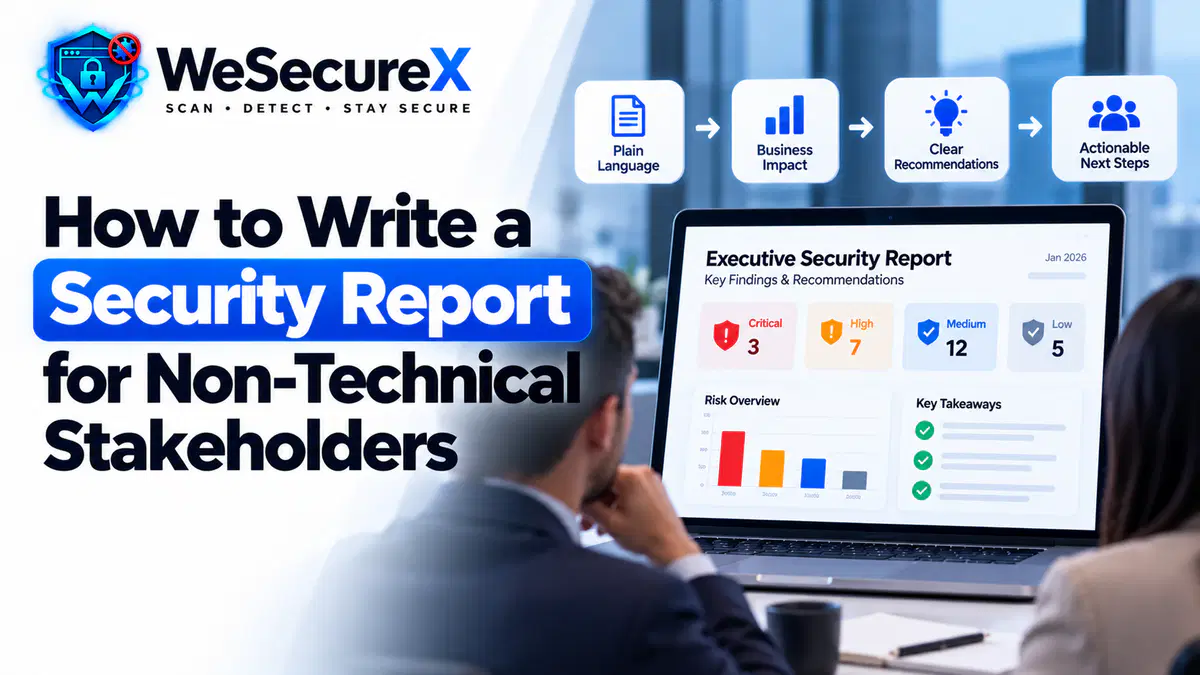
You just finished a vulnerability scan. The report is full of CVE identifiers, CVSS scores, and technical descriptions that make perfect sense to you. Now you need to present it to your CEO, your board, or a client who does not know what any of those terms mean.
This is where most security teams struggle. The findings are real and urgent. The message does not land. Executives hear jargon, lose focus, and defer the decision. Budget does not get approved. Fixes do not get prioritized. The next scan finds the same issues again.
Writing for non-technical stakeholders is a skill. It is not about dumbing down the content. It is about translating technical risk into business language. This guide shows you exactly how to do that.
If you are new to scanning, start with our vulnerability scanning guide. For context on what the findings mean, read what is vulnerability scanning.
Quick Answer
A security report for non-technical stakeholders should answer four questions: what did we find, what does it mean for the business, what are we doing about it, and what do you need from us. Lead with business impact, use plain language, avoid acronyms, and always include a clear ask. Keep it to two pages if possible.
Why Most Security Reports Fail
Security professionals are trained to be precise. That precision is valuable when talking to engineers. It works against you when talking to executives.
Here is what typically goes wrong.
Too much technical detail. A list of 47 CVEs with CVSS scores means nothing to a CFO. They cannot make a decision from it.
No business context. A finding without impact is just noise. Executives need to know what could happen, not just what exists.
No clear ask. If you do not tell leadership what you need, they will assume you need nothing. Budget, headcount, and priority all go unaddressed.
Too long. Executives read the first page. If the key message is on page nine, it will not be seen.
Fear without solutions. Listing every possible disaster without a plan creates anxiety, not action.
Inconsistent reporting. If you only report when things are bad, leadership associates security with crisis. Regular reporting builds trust.
The 7 Sections Every Executive Security Report Needs
Use this structure. It works for board reports, client updates, and internal leadership reviews.
Section 1: Executive Summary
This is the most important section. It should fit on half a page. Cover four things:
How many systems were scanned
How many real issues were found
How many were fixed since the last report
What you need from leadership
Example: "We scanned 42 systems this quarter. We found 18 real vulnerabilities, down from 31 last quarter. We fixed 15 within our target windows. Three remain open with a plan to close them by December. We need approval for one additional engineering day per week to maintain this pace."
That paragraph tells a complete story. No jargon required.
Section 2: Business Impact Overview
Translate findings into business terms. Instead of "we found a SQL injection vulnerability," say "an attacker could access customer records through our login page."
For each critical or high finding, answer:
What data or system is at risk
What could an attacker do
What would the business impact be (financial, reputational, legal)
Reference standards where relevant. If the issue affects payment data, mention PCI DSS basics. If it affects personal data, mention GDPR for developers.
Section 3: Key Findings
List the top five to ten findings. For each one, include:
A plain English description
The affected system
The business risk
The current status (fixed, in progress, planned)
The owner
Use a table. It is the fastest format for busy readers.
| Finding | Risk | Status | Owner |
|---|---|---|---|
| Outdated login plugin | Account takeover | Fixed | Engineering |
| Missing rate limits on API | Data enumeration | In progress | Backend team |
| Exposed backup file | Data leak | Fixed | DevOps |
Section 4: What We Fixed
Show progress. List what was resolved since the last report. This proves the program is working and builds confidence.
Include the number of findings closed, the average time to fix, and any notable wins. If you reduced your open critical findings from 12 to 3, say so.
Section 5: What Remains Open
Be honest about what is not fixed. Explain why. Common reasons include resource constraints, dependency on a vendor, or a fix that requires a larger change.
For each open item, include a timeline. "We expect to close this by November 15" is more useful than "in progress."
Section 6: Risks We Are Accepting
Sometimes the right decision is to accept a risk. Maybe the fix is too expensive relative to the impact. Maybe the system is being decommissioned.
Document accepted risks clearly. Include the reason, the review date, and who approved it. This protects the business and shows mature judgment. Our guide on how to prioritize vulnerabilities by business impact covers how to make these decisions.
Section 7: The Ask
End with a clear request. What do you need from leadership?
Budget for a tool or service
Engineering time to fix issues
Approval for a policy change
Support for a compliance initiative
Make it specific. "We need eight engineering hours per week for the next quarter" is actionable. "We need more resources" is not.
How to Write in Plain English
Translating technical findings into business language is the core skill. Here are examples.
| Technical Finding | Plain English Version |
|---|---|
| CVE-2024-12345 in Apache Struts | Our web server software has a known flaw that attackers could use to take control |
| Missing Content Security Policy header | Our site lacks a browser protection that reduces the impact of script injection attacks |
| SQL injection in search parameter | An attacker could read or modify our database through the search box |
| TLS 1.0 enabled | Our encryption settings are outdated and could allow attackers to intercept traffic |
| Excessive admin accounts | Too many people have full access to our systems, increasing the risk of misuse |
Notice that none of these require technical knowledge to understand. That is the goal.
Tips for Presenting to Leadership
Writing the report is half the work. Presenting it well is the other half.
Lead with the headline. Start with the single most important thing. If there is a critical open risk, say it first.
Use visuals. A simple chart showing open findings over time communicates more than a paragraph.
Avoid acronyms. If you must use one, define it the first time. Better yet, replace it with plain language.
Prepare for questions. Executives will ask: are we safe, what is the worst case, and what do you need. Have short answers ready.
Stay calm. Security can feel alarming. Present risk factually and pair every risk with a plan.
Keep it short. A 15 minute update with clear points beats a 45 minute deep dive. If they want detail, they will ask.
Follow up in writing. Send the report after the meeting so decisions are documented.
Aligning Security With Business Goals
Executives care about revenue, reputation, and compliance. Frame your findings in those terms.
A vulnerability that could take down checkout affects revenue.
A data breach affects reputation and customer trust.
A compliance gap affects contracts and legal exposure.
When you connect security work to business outcomes, funding becomes easier to justify. For a related view, see how security supports technical SEO audit and Core Web Vitals outcomes. A compromised site loses rankings, which directly affects revenue. A safe scanning process protects both.
Common Mistakes to Avoid
Sending raw scanner output. Never forward an unedited report to a non-technical audience.
Using fear as the main motivator. Fear creates short term attention and long term fatigue.
Reporting only bad news. Share progress and wins. It builds credibility for when you do report a problem.
No owner on open items. Every finding needs a name and a date.
Inconsistent format. Use the same structure every time so readers can find what they need.
No follow through. If you ask for resources and get them, report on what changed. If you do not report back, you lose trust.
Quick Checklist
- □
Executive summary fits on half a page
- □
Business impact explained in plain English
- □
Top findings listed with status and owner
- □
Progress since last report included
- □
Open items have clear timelines
- □
Accepted risks documented with review dates
- □
Clear ask included
- □
No unexplained acronyms
- □
Visuals used where helpful
- □
Report sent within 24 hours of the meeting
FAQ
How long should a security report be?
Two pages for most audiences. Boards may want a one page summary plus an appendix.
How often should I report?
Monthly for internal teams, quarterly for boards and clients. Report immediately after a critical finding.
What if leadership does not understand the risk?
Use analogies. A missing patch is like a broken lock on a back door. A weak password policy is like leaving keys under the mat.
Should I include CVSS scores?
Only in the appendix. Lead with business impact, not scores.
How do I handle a finding I cannot fix?
Document it as an accepted risk with a review date and a mitigation plan.
What if there is nothing new to report?
Report anyway. Consistency builds trust. "No new critical findings this month" is valuable information.
Where can I learn more about the technical side?
Start with our guides, especially CVE vs CWE vs CVSS and what to do after a vulnerability scan.
Conclusion
Writing a security report for non-technical stakeholders is about translation, not simplification. Lead with business impact. Use plain language. Show progress. Be honest about open risks. End with a clear ask.
Do this consistently and you will find that leadership engagement improves, budget conversations get easier, and your security program gains the support it needs to actually reduce risk.
Need help building executive ready security reports? Learn more about us, explore our pricing, check our privacy and refund policies, or contact us to get started. You can also read more articles on our blog.
Audit Your Website for Vulnerabilities in Real Time
Run an automated OWASP Top 10 security assessment, check SSL/TLS posture, and map your attack surface.
Related Technical Articles & Research
How to Scan a Website Without Breaking It
Essential DAST best practices: rate limiting, safe request windows, and non-destructive payload testing on production web apps.
What to Do After a Vulnerability Scan: 10 Step Remediation Roadmap
A structured 10-step triage and engineering workflow to verify, prioritize, patch, and re-test reported vulnerabilities.
False Positives in Vulnerability Scanning: How to Triage Them
Techniques to distinguish real security vulnerabilities from scanner noise, verify proof-of-concepts, and streamline security operations.
How to Prioritize Vulnerabilities by Business Impact
Contextual risk scoring: why raw CVSS scores fall short and how asset criticality and exploitability dictate remediation urgency.