1. Core Web Vitals: LCP, CLS, and Interaction to Next Paint (INP)

Core Web Vitals represent Google's standardized field metrics for measuring real-world user experience across three core performance pillars: loading velocity, visual stability, and interaction responsiveness. In modern search engine algorithms, Core Web Vitals serve as direct mobile ranking signals and impact how aggressively search crawlers allocate resources to your domain.
The Three Core Web Vitals Benchmarks
- Largest Contentful Paint (LCP < 2.5s): Measures the perceived render speed of the largest above-the-fold content element - typically a hero banner image, video thumbnail, or major heading block. To achieve sub-2.5s LCP, engineering teams must optimize server response times (TTFB < 600ms), serve modern image formats (AVIF and WebP), preload hero assets using
<link rel="preload" as="image">, and eliminate render-blocking CSS/JS bundles. - Cumulative Layout Shift (CLS < 0.1): Measures visual stability by calculating the sum total of all unexpected layout shifts occurring during the page lifecycle. Layout instability occurs when dynamic ads, third-party embeds, or web fonts without fallback metrics push content downward after the user begins reading. You can eliminate CLS by declaring explicit
widthandheightaspect-ratio attributes on all<img>and<iframe>tags. - Interaction to Next Paint (INP < 200ms): Replaced First Input Delay (FID) to evaluate the responsiveness of all clicks, taps, and keyboard inputs across the entire user session. Sub-200ms INP requires offloading computationally heavy JavaScript tasks (> 50ms) to Web Workers or splitting execution threads using
requestIdleCallback()andscheduler.yield().
Furthermore, real-world field performance is intimately linked to transport security: establishing fast, zero-round-trip TLS 1.3 connections accelerates TTFB. You can verify your domain's TLS handshake latency with our SSL Certificate Checker and inspect overall technical health on the WeSecureX Technical SEO Scanner.
// Next.js Image Component with Explicit Dimensions & Preload for LCP
import Image from "next/image";

export function HeroSection() {
  return (
    <div className="relative w-full h-[400px]">
      <Image
        src="/hero-banner.webp"
        alt="Technical SEO Intelligence Platform"
        width={1200}
        height={400}
        priority={true} // Injects <link rel="preload"> for optimal LCP
        className="object-cover"
      />
    </div>
  );
}
2. Crawl Budget & Server Log File Analysis

Crawl budget is the finite number of URLs search engine bots (Googlebot, Bingbot, YandexBot) will crawl on your domain within a given timeframe. Crawl budget is governed by two interacting forces: Crawl Capacity / Rate Limit (how many concurrent requests your origin server can sustain without throwing HTTP 5xx errors or exhibiting high latency) and Crawl Demand (how frequently algorithms decide your content deserves re-crawling based on domain authority, publishing frequency, and historical update significance).
Primary Crawl Budget Waste Vectors
In enterprise e-commerce platforms, SaaS portals, and publishing hubs with millions of URLs, unmanaged crawl budgets prevent high-value conversion pages from being indexed. Common culprits include:
- Faceted Navigation Parameter Explosions: Filters for color, size, sorting, and pagination creating millions of duplicate URLs (
?color=red&size=xl&sort=price_asc). - Soft 404s and Dead Ends: Empty search result pages or removed products that return HTTP 200 OK headers instead of true HTTP 404 or 410 headers.
- Redirect Loops and Multi-Hop Chains: URL redirects bouncing through three or four hops before reaching the destination, exhausting crawler connection limits.
- Infinite Calendar or Archive Scripts: Dynamic scripts generating endless future and past date paths without crawler boundaries.
To audit crawl health, analyze raw web server access logs (Nginx, Apache, Envoy, Cloudflare). Extract Googlebot requests by validating reverse DNS lookups to verify authentic crawler IPs. Ensure your server Time to First Byte (TTFB) remains under 200ms, and discover orphaned or shadow subdomains wasting crawler cycles using our Attack Surface Reconnaissance Scanner and Subdomain Finder.
3. Canonicalization & Duplicate Content Remediation
Canonicalization is the process of declaring which specific URL represents the master, authoritative version of a document when identical or substantially identical content exists across multiple URL variants. Duplicate content fragmentation frequently occurs due to:
- HTTP vs HTTPS protocol differences (
http://example.comvshttps://example.com) - Subdomain fragmentation (
example.comvswww.example.com) - Trailing slash inconsistencies (
/blog/guidevs/blog/guide/) - Session IDs and tracking parameters (
?utm_source=,?fbclid=,?ref=) - Case sensitivity issues (
/Products/Itemvs/products/item)
The Architectural Cost of Duplicate URLs
When Googlebot discovers multiple URL variations hosting identical content, it splits incoming link equity (PageRank) across the duplicate variants. Consequently, neither page ranks at its maximum potential, and keyword cannibalization causes rankings to fluctuate erratically.
Every indexable HTML page must include an absolute, self-referencing canonical tag placed inside the <head> container:
<link rel="canonical" href="https://example.com/guides/complete-technical-seo-factors-guide" />For non-HTML documents - including downloadable PDF whitepapers, Excel spreadsheets, or API endpoints - HTML tags cannot be parsed. You must instead emit an HTTP Link response header:
# HTTP Response Header Canonical Specification for Non-HTML Assets
HTTP/1.1 200 OK
Content-Type: application/pdf
Link: <https://example.com/downloads/whitepaper.pdf>; rel="canonical"
4. RFC 9309 Robots.txt Governance
The robots.txt file serves as the first entry gate for automated web robots, governed by the official IETF RFC 9309 specification. Placed at the domain root (https://example.com/robots.txt), this file informs search engine crawlers which directory paths and query parameters they are permitted or prohibited from requesting.
Critical Robots.txt Pitfalls in Modern Single-Page Applications
A catastrophic mistake commonly committed during frontend migrations to Next.js, Nuxt, or Vite is disallowing stylesheet and JavaScript bundle paths (for example, Disallow: /_next/static/ or Disallow: /assets/). Googlebot's Web Rendering Service (WRS) operates as a headless browser that downloads and executes CSS, fonts, and JavaScript bundles to compute visual layouts. If asset bundles are blocked by robots.txt, Googlebot cannot execute DOM rendering, causing pages to appear completely blank, mobile-unfriendly, or devoid of content.
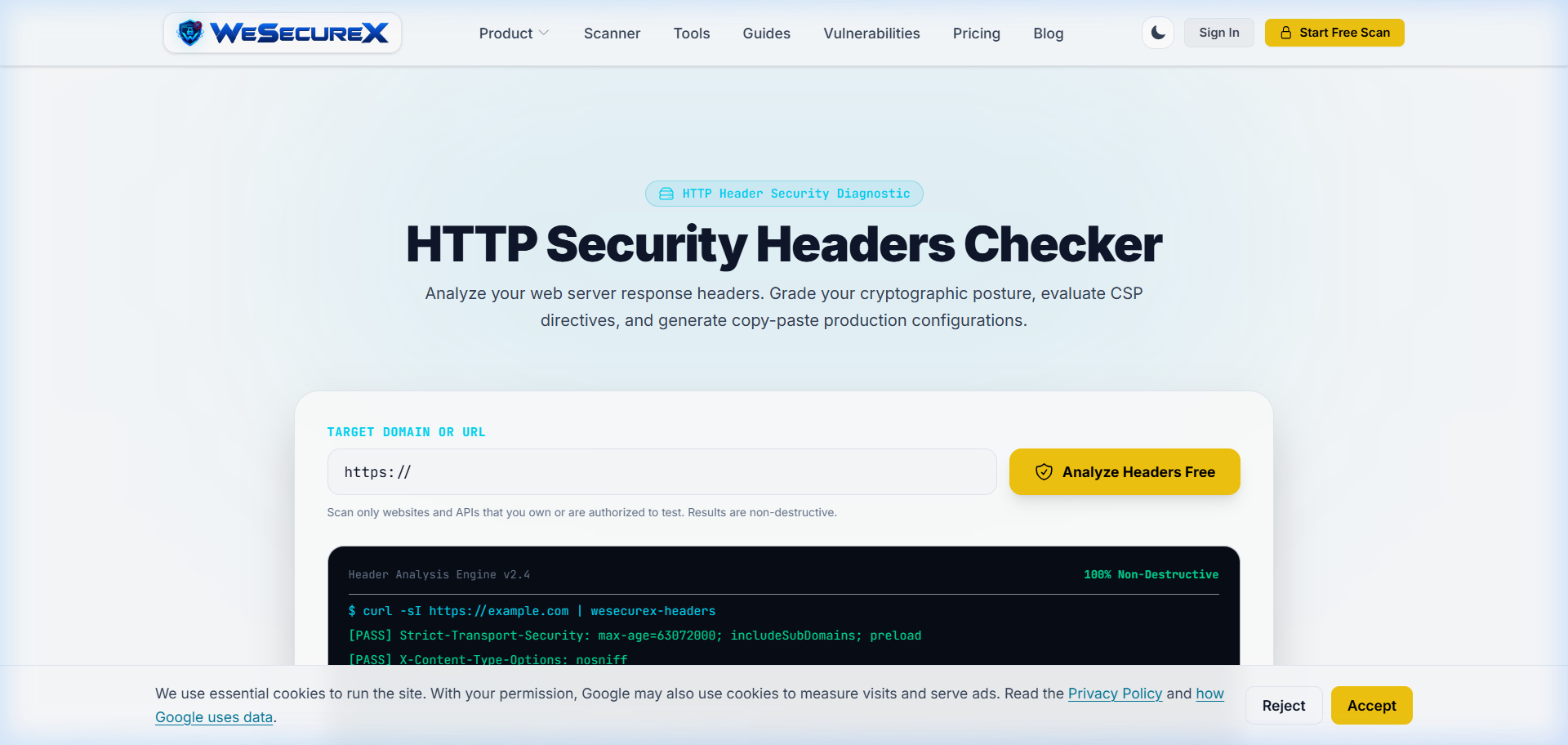
Review the WeSecureX Security Headers Checker to verify that your robots.txt file and HTTP header defenses (such as X-Robots-Tag) are aligned without conflicting instructions. Read our technical analysis on Why Security Headers Are Your First Line of Defense.
# Production RFC 9309 Compliant Robots.txt
User-agent: *
Disallow: /api/private/
Disallow: /dashboard/
Disallow: /checkout/
Disallow: /*?sort=
Disallow: /*?filter=
Allow: /_next/static/
Allow: /public/

# XML Sitemap Index Declaration
Sitemap: https://example.com/sitemap.xml
5. XML Sitemap & Index Architecture
XML Sitemaps act as a programmatic blueprint for search engine discovery, enumerating all indexable URLs along with their canonical addresses and <lastmod> update timestamps. In enterprise architectures hosting more than 50,000 URLs, sitemaps must be partitioned into multiple individual XML files linked together by a master XML Sitemap Index file.
Architectural Rules for High-Performance Sitemaps
- 100% Pure 200 OK Status: Sitemaps must contain exclusively indexable, canonical URLs that respond with HTTP 200 OK. Never include 301 redirects, 404 error pages, or URLs containing
noindexdirectives in your sitemap. Feeding non-200 URLs teaches Googlebot that your sitemap is untrustworthy, resulting in reduced crawl frequency. - Cryptographic <lastmod> Timestamps: Update the
<lastmod>tag in ISO 8601 format (YYYY-MM-DDTHH:mm:ssZ) ONLY when meaningful, substantive content updates occur on the page. Updating<lastmod>on unchanged pages without actual content edits will cause search algorithms to distrust your sitemap timestamps. - Compression & Size Caps: Under the official sitemap protocol, individual sitemap files must not exceed 50,000 URLs or 50MB uncompressed size. Gzip your XML files (
sitemap1.xml.gz) to minimize bandwidth consumption during crawler fetches. Verify your sitemap health on the WeSecureX SEO Scanner.
6. JSON-LD Structured Data & Entity Knowledge Graphs
Structured data uses the standardized vocabulary schemas from Schema.org to provide explicit, machine-readable semantic context about your web content to search engines and Large Language Models (LLMs). While legacy implementations used microdata or RDFa attributes embedded inside HTML tags, Google strongly recommends JSON-LD (JavaScript Object Notation for Linked Data) injected into a <script type="application/ld+json"> container in the document <head>.
Building Semantic Knowledge Graphs
JSON-LD allows search engines to build entity graphs connecting your brand, products, articles, authors, and organizations. Rich snippet eligibility - such as FAQ accordions, product review stars, recipe badges, and software application cards - is entirely dependent on compliant schema markup.
Integrate entity-linked structured data into your Next.js application using structured JSON serialization:
// JSON-LD TechArticle Entity Graph Implementation in Next.js
export function TechArticleSchema({ article }: { article: any }) {
  const schemaData = {
    "@context": "https://schema.org",
    "@type": "TechArticle",
    "headline": article.title,
    "description": article.seoDescription,
    "inLanguage": "en-US",
    "author": {
      "@type": "Organization",
      "name": "WeSecureX Engineering",
      "url": "https://wesecurex.com"
    },
    "publisher": {
      "@type": "Organization",
      "name": "WeSecureX",
      "logo": {
        "@type": "ImageObject",
        "url": "https://wesecurex.com/logo.png"
      }
    },
    "datePublished": article.publishedDate,
    "dateModified": article.lastUpdated,
    "mainEntityOfPage": {
      "@type": "WebPage",
      "@id": `https://wesecurex.com/guides/${article.slug}`
    }
  };

  return (
    <script
      type="application/ld+json"
      dangerouslySetInnerHTML={{ __html: JSON.stringify(schemaData) }}
    />
  );
}
7. Hreflang & International SEO Architecture

Hreflang annotations (rel="alternate" hreflang="x") instruct search engine crawlers about localized and multi-language variations of your URLs. They guarantee that search engines display the correct regional or language version to users based on their geolocation and browser language settings - for example, displaying en-us to visitors in the United States, en-gb to users in the United Kingdom, and de-de to visitors in Germany.
The Three Inviolable Rules of Hreflang
- Bidirectional Return Links: If URL-A points to URL-B using
hreflang="de", URL-B MUST point back to URL-A usinghreflang="en". If the return link is missing in either direction, Googlebot discards both annotations to prevent rogue domain claims. - Self-Referencing Annotation: Every localized page must include a self-referencing hreflang tag matching its own language and region code.
- The Global Fallback (x-default): Always include an
x-defaulttag pointing to an unlocalized landing page or interactive country selector for international users whose language preferences do not match any specified locales.
Audit your international URL clusters and verify that server certificates are properly configured across all regional top-level domains using the WeSecureX Vulnerability Scanner and DNS Record Lookup.
8. Mobile-First Indexing & Responsive Viewport Parity
Google executes 100% Mobile-First Indexing - meaning Googlebot crawls, renders, and evaluates your web applications exclusively using a simulated smartphone user agent (Googlebot-Mobile). If primary body copy, structured data, canonical tags, or internal navigation links are omitted or conditionally hidden on mobile viewport layouts, search algorithms treat that content as non-existent across both desktop and mobile search rankings.
Achieving 100% Viewport Parity
- Viewport Meta Declaration: Always include the standard responsive viewport meta tag:
<meta name="viewport" content="width=device-width, initial-scale=1.0">. - Content Parity: Ensure that mobile and desktop layouts render identical primary text, headings (
<h1>through<h3>), image alt attributes, and JSON-LD structured data. Do not truncate essential descriptive copy on mobile devices simply to save screen real estate. - Touch Target Ergonomics: Maintain minimum touch targets of 48x48 CSS pixels for all clickable navigation links, dropdown toggles, and buttons to avoid mobile usability penalties.
- Resource Parity: Ensure that CSS stylesheets, font files, and image assets are equally accessible to mobile crawlers without being blocked by user-agent sniffers.
9. Soft 404s & Single-Hop Redirect Cleanup
A Soft 404 error occurs when a web server serves a page displaying a 'Product Not Found', 'Article Removed', or blank error message to human visitors, while simultaneously returning an HTTP 200 OK status code to search crawlers. Because the server responds with 200 OK, Googlebot attempts to index the error page, polluting search engine indexes with junk URLs and depleting server crawl budget.
The Correct HTTP Response Protocol
- When a requested resource no longer exists and has no direct replacement, return a clean HTTP 404 Not Found or HTTP 410 Gone response header.
- When permanently moving content to a new URL, enforce a Single-Hop HTTP 301 Moved Permanently redirect directly from Source-A to Destination-B.
- Eliminate multi-hop redirect chains (Source-A -> Page-B -> Page-C -> Destination-D). Redirect chains cause latency spikes, exhaust crawler limits, and bleed PageRank link equity at every intermediate hop.
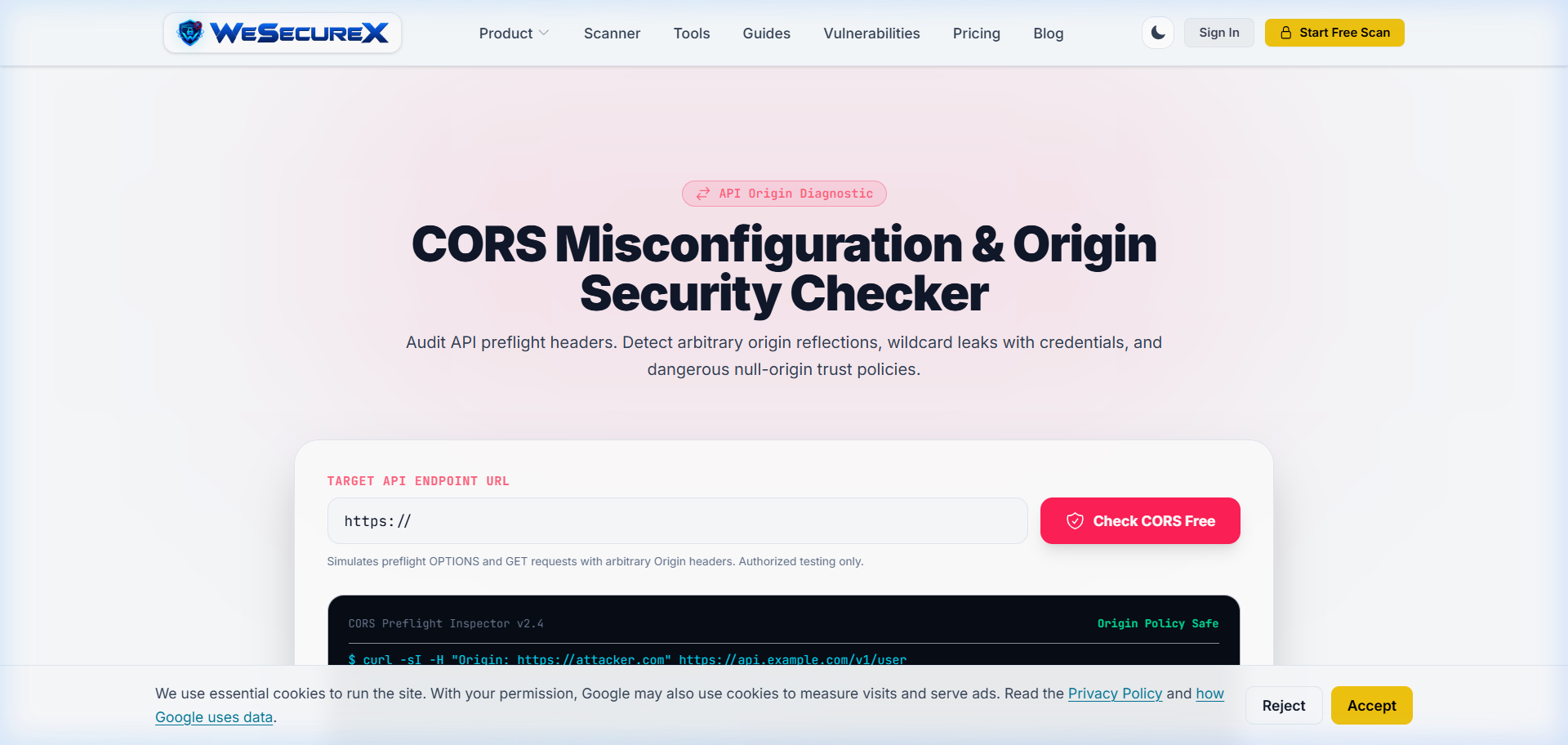
Audit redirect paths, CORS headers, and response status codes using the WeSecureX CORS Checker and SEO Diagnostics Engine.
11. JavaScript Rendering (SSR vs. SSG vs. CSR)
Modern search engine crawlers process JavaScript web applications through a two-wave indexing architecture:
- Wave 1 (Initial HTML Fetch): Googlebot fetches the initial server response HTML and immediately indexes all server-rendered content, titles, canonical tags, and metadata.
- Wave 2 (Web Rendering Service - WRS): If the page relies on client-side JavaScript, the URL enters a deferred rendering queue. When headless Chromium compute resources become available (which can take minutes, days, or even weeks), WRS hydrates the DOM and discovers dynamically injected elements.
Why Client-Side Rendering (CSR) Fails Technical SEO
Applications built with pure Client-Side Rendering (such as default Create-React-App or SPA setups delivering an empty <div id="root"></div>) suffer severe indexing delays. If an API request times out or the JavaScript bundle fails to execute during the crawler's rendering window, Googlebot indexes an empty page.
To guarantee immediate indexation, build mission-critical web applications with Server-Side Rendering (SSR) or Static Site Generation (SSG) using modern frameworks like Next.js, Nuxt, or Remix. Serving pre-rendered HTML in Wave 1 ensures 100% content indexation without relying on asynchronous crawler JavaScript execution.
12. Google Search Console Diagnostics & Audit Workflows
Google Search Console (GSC) provides first-party operational telemetry directly from Googlebot's crawling and indexing pipeline. Establishing a continuous diagnostic review workflow allows engineering teams to identify indexing bottlenecks before they translate into traffic losses.
Essential Diagnostic Workflows in GSC
- Page Indexing & Coverage Reports: Monitor URLs categorized as 'Discovered - currently not indexed' (indicating crawl budget constraints or low perceived site authority) and 'Crawled - currently not indexed' (indicating content quality issues, rendering problems, or soft 404s).
- Security & Manual Actions Tab: Monitor automated alerts regarding malware injections, compromised accounts, deceptive pages, or phishing flags. Security compromises can cause immediate site-wide removal from Google SERPs. Read our security investigation guide on The Anatomy of a Data Breach and Common Website Vulnerabilities & How to Prevent Them.
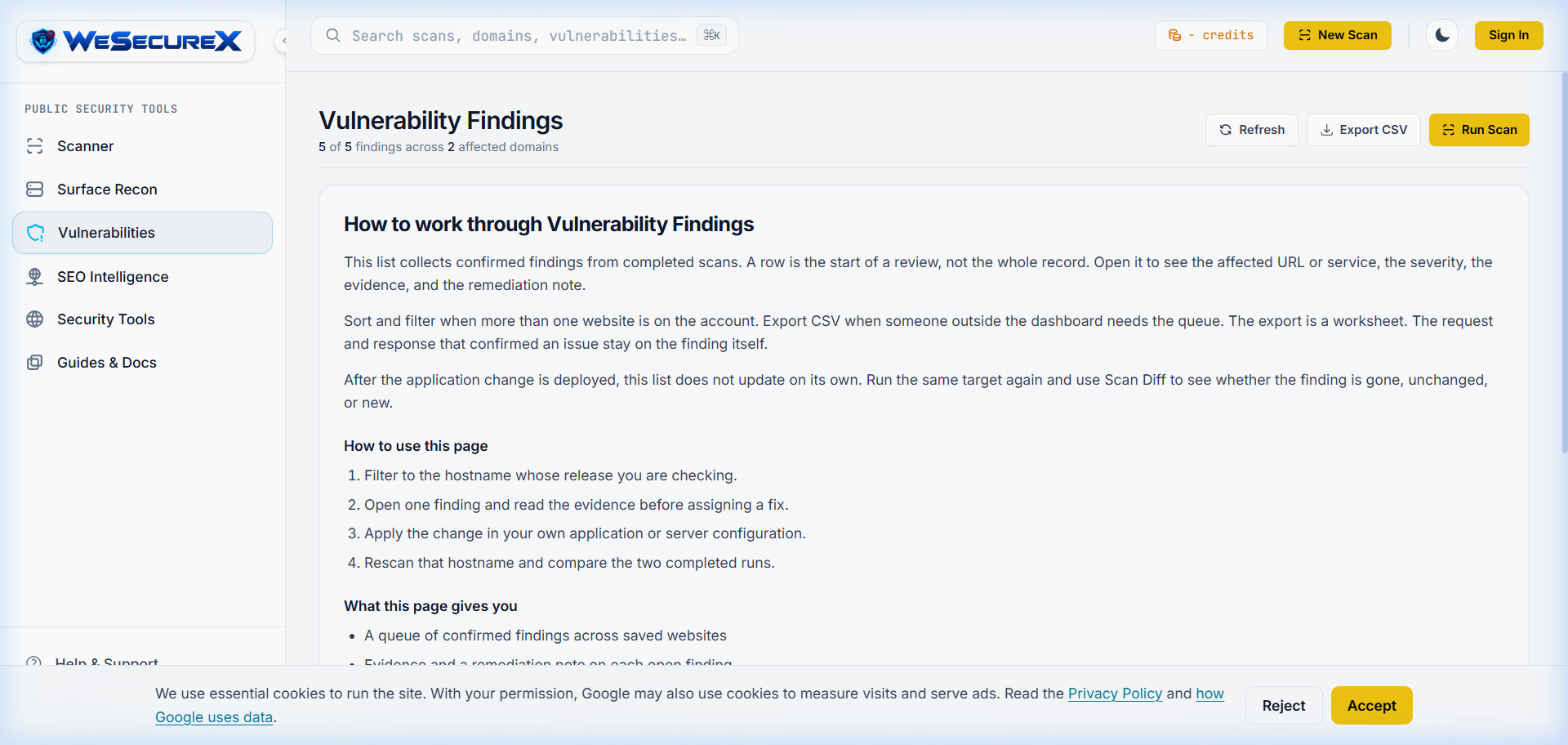
- URL Inspection API: Programmatically submit refreshed canonical URLs and inspect live HTML rendering snapshots. Pair GSC telemetry with continuous automated testing using the WeSecureX Vulnerabilities Catalog and Technical SEO Intelligence Console.
Apply it with WeSecureX
Add a hostname you own or are allowed to test, run a scan, and open the findings for that target. A confirmed result includes the request WeSecureX sent and the response the site returned, so you can reproduce it, fix it in your own application, and rescan the same host to confirm the issue is gone. WeSecureX is automated testing, not a manual penetration test, and a clean report is not a promise that every weakness is gone.
WeSecureX modules for this topic
Checks that belong with this topic
- Achieve Core Web Vitals targets: LCP < 2.5s, CLS < 0.1, INP < 200ms across all device viewports.
- Perform server log file analysis to eliminate faceted navigation crawl budget traps.
- Implement self-referencing absolute canonical tags across all HTML pages and HTTP Link headers for PDFs.
- Validate RFC 9309 robots.txt compliance without blocking CSS/JS rendering asset bundles.
- Publish Gzip-compressed XML Sitemap Indexes containing exclusively pure HTTP 200 OK URLs.
- Embed valid JSON-LD TechArticle/Organization schema graphs directly in the HTML document head.
Actionable Checklist
WeSecureX Platform · SEO Crawler
Technical SEO Intelligence Engine
Crawl domains to detect indexing issues, broken canonicals, robots.txt blocks, and Core Web Vitals regressions.
Includes: robots.txt & XML sitemap live validators · Canonical tag & duplicate content analyzer · Core Web Vitals field metric tracking
Frequently Asked Questions
The 12 factors are Core Web Vitals, Crawl Budget Optimization, Canonicalization, Robots.txt Governance, XML Sitemaps, JSON-LD Schema, Hreflang, Mobile-First Indexing, Soft 404 & Redirect Cleanup, Meta Tag Architecture, JavaScript Rendering, and Google Search Console Diagnostics.
Core Web Vitals (LCP, CLS, INP) are official Google page experience ranking signals. Poor scores reduce mobile search visibility and lower user conversion rates.
Server-Side Rendering (SSR) delivers fully rendered HTML to search crawlers in the initial HTTP fetch (Wave 1). Client-Side Rendering (CSR) relies on delayed Web Rendering Service (Wave 2) execution, which can cause indexing delays.
Automated tools like the [WeSecureX Technical SEO Suite](/seo-scanner) crawl web applications, analyze HTTP headers, evaluate DOM rendering performance, validate JSON-LD schema, and identify redirect chains.
Canonicalization prevents duplicate content issues across URL parameters, protocol variations, and tracking codes, consolidating ranking authority onto a single master URL.
XML sitemaps should update dynamically whenever content is published or updated. Automated audits should run weekly to purge 404s, redirects, or non-canonical URLs from sitemap files.
Engineering teams can run comprehensive technical audits and track indexation metrics using the [WeSecureX SEO Intelligence Console](/seo-scanner).
Authoritative Sources & References
- Google Search Central: Technical SEO DocumentationGoogle (official)View Source
Related Guides
Continue exploring related technical architecture and defensive guides