How Often Should You Run a Vulnerability Scan?
 WeSecureXOctober 6, 2026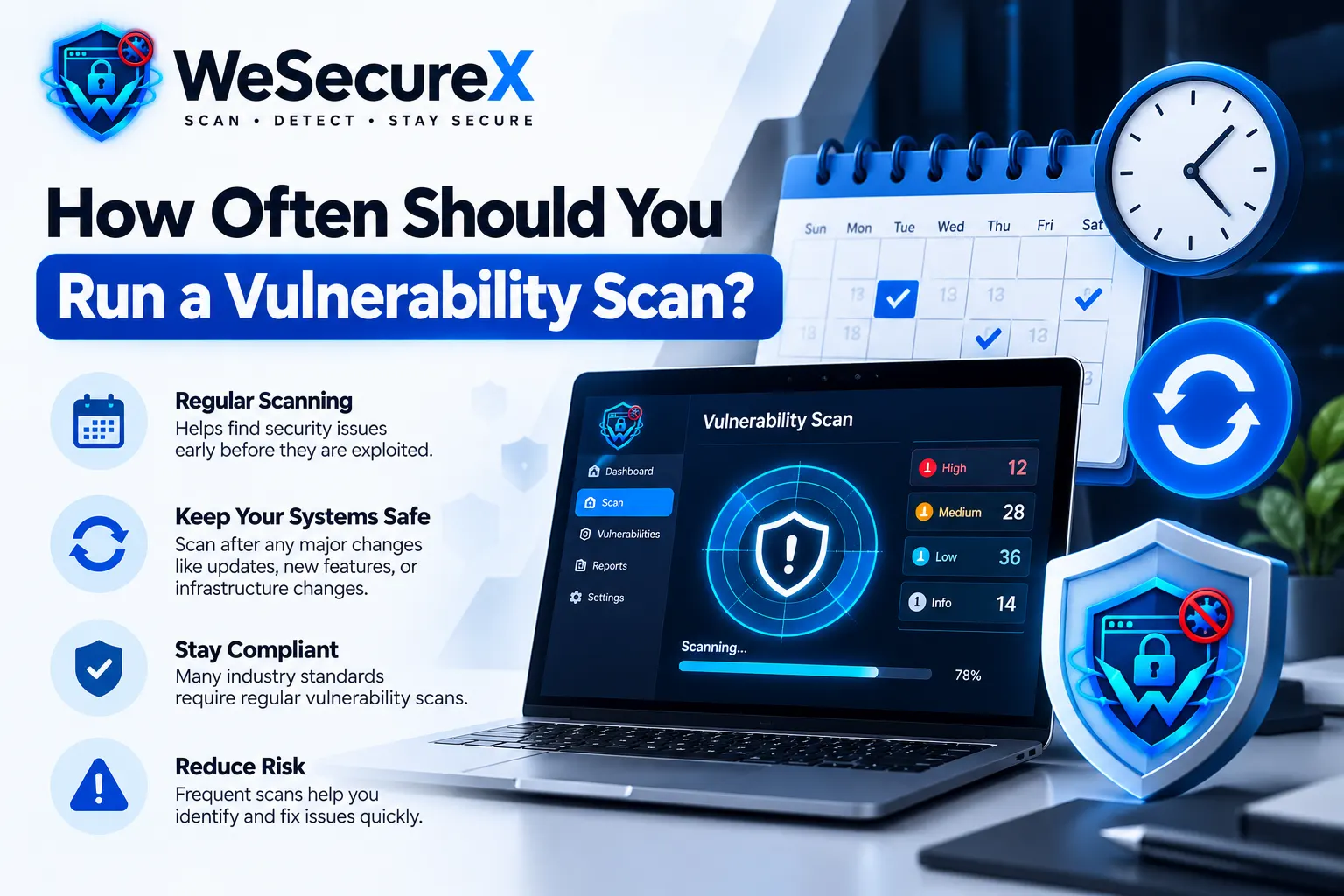
If you manage a website, SaaS platform, or online store, you already know that security is not a one-time project. But one question keeps coming up: how often should you run a vulnerability scan? Scan too rarely, and attackers have a window. Scan too often without a plan, and your team drowns in alerts. This guide gives you a clear answer, a practical schedule, and a checklist you can use today.
If you are new to scanning, start with our vulnerability scanning guide. For a definition of the process itself, see what is vulnerability scanning.
Quick Answer
For most organizations, run a vulnerability scan at least once per week. If you deploy code daily, scan after every deployment or use continuous scanning. If you handle payments, health data, or personal data, scan daily on internet-facing systems. If you are a small static website with no user data, monthly may be enough. But weekly is the safe default for 2026.
Why Frequency Matters
Attackers do not wait. New vulnerabilities are published every day. The CVE database grows constantly. A vulnerability that was not exploitable last week may have a public exploit today. The longer you wait between scans, the longer an attacker has to find and use a weakness.
Regular scanning also helps you:
Catch misconfigurations early
Meet compliance requirements
Reduce the cost of fixes
Build a baseline for normal behavior
Prove due diligence to customers and auditors
7 Factors That Decide Your Scanning Frequency
1. Your Risk Profile
A public-facing ecommerce site has a higher risk than an internal wiki. The more valuable your data, the more often you should scan. Review the OWASP Top 10 to understand common risks.
2. Compliance Requirements
Standards like PCI DSS require regular scanning. GDPR does not specify a frequency, but it expects reasonable security. See our GDPR for developers guide for details.
3. Deployment Frequency
If you deploy once a month, scan after each release. If you deploy daily, use continuous scanning or scan after every deployment.
4. Internet Exposure
Anything exposed to the internet should be scanned more often than internal systems. Public APIs, login pages, and admin panels are prime targets.
5. Data Sensitivity
If you store passwords, payment details, or personal data, increase frequency. A breach can be costly and reputation-damaging.
6. Team Capacity
Scanning is only useful if you can triage and fix findings. If your team is small, prioritize critical systems and scan those more often.
7. Threat Landscape
During a major vulnerability disclosure, like a critical zero-day, scan immediately. Do not wait for your normal schedule.
Recommended Scanning Schedule by Business Type
| Business Type | Minimum Frequency | Recommended Frequency |
|---|---|---|
| Static website, no user data | Monthly | Monthly |
| Small business blog | Monthly | Weekly |
| SaaS with user accounts | Weekly | Daily or continuous |
| Ecommerce store | Weekly | Daily |
| Healthcare or fintech | Daily | Continuous |
| Internal tools only | Monthly | Weekly |
The Problem With Scanning Too Little
Scanning once a year is not enough. A lot can change in 12 months. New code, new dependencies, new configurations, and new vulnerabilities appear constantly. A single missed patch can lead to a breach. Many attackers scan for known weaknesses automatically. If you are not scanning, you are leaving the door open.
The Problem With Scanning Too Often
Scanning too often is not a problem if you automate it. But if you scan too often without a triage process, you get alert fatigue. Your team starts ignoring findings. That is dangerous. The goal is not more scans. The goal is more fixed vulnerabilities. Use automation to scan, but use a human process to prioritize and fix.
How to Build a Practical Scanning Schedule
Follow these steps:
Start with a baseline scan. Scan everything you own. Document the results.
Fix critical and high findings first. Use CVSS to prioritize.
Set a recurring schedule. Weekly for most, daily for critical systems.
Add post-deployment scans. Every release should trigger a scan.
Monitor continuously. Use tools that scan in the background.
Review monthly. Adjust frequency based on new risks and changes.
Document everything. Keep records for compliance and audits.
Continuous Scanning vs Scheduled Scanning
Scheduled scanning happens at set times, like every Monday at 2 AM. It is easy to plan and works well for small teams.
Continuous scanning runs all the time. It catches issues as soon as they appear. It is better for fast-moving teams and high-risk systems.
Many teams use both: continuous scanning for critical assets, and scheduled scans for the rest. You can read more in our web security basics guide.
What About Penetration Testing?
Scanning and pentesting are different. Scanning is automated and frequent. Pentesting is manual and periodic. You should scan often, and pentest at least once a year. For a full comparison, see our blog post on vulnerability scanning vs penetration testing.
Tools and Automation
You can use open-source scanners, commercial tools, or a managed service. The best choice depends on your budget, team, and risk. Look for tools that:
Integrate with your CI/CD pipeline
Support scheduled and continuous scanning
Provide clear reports
Offer remediation guidance
Map findings to standards like OWASP and CVE
If you want a managed option, explore our pricing or contact us.
Quick Checklist: How Often Should You Scan?
- □
Baseline scan completed
- □
Critical systems scanned daily
- □
All other systems scanned weekly
- □
Scan after every deployment
- □
Continuous monitoring enabled for internet-facing assets
- □
Findings triaged within 48 hours
- □
Critical issues fixed within 7 days
- □
Monthly review of scanning schedule
- □
Compliance records updated
FAQ
Is weekly scanning enough?
For many small businesses, yes. For SaaS, ecommerce, and finance, daily or continuous is better.
Should I scan after every deployment?
Yes. A deployment can introduce new vulnerabilities. Scan immediately after.
How long does a vulnerability scan take?
It depends on scope. A small site may take minutes. A large network may take hours.
Can I scan too often?
You can scan as often as you like, but you need a triage process. Otherwise, you get alert fatigue.
Do I need to scan internal systems?
Yes. Internal systems can be breached and used to pivot to critical data.
What if I find a critical vulnerability?
Fix it immediately. Then re-scan to confirm. Document the process.
Conclusion
How often should you run a vulnerability scan? For most organizations, weekly is the minimum. Daily or continuous is better for high-risk systems. The key is to scan regularly, triage quickly, and fix what matters most. Start with a baseline, set a schedule, and automate where you can.
Need help building a scanning schedule? Explore our guides or read more on our blog. You can also contact us for a security review.
Audit Your Website for Vulnerabilities in Real Time
Run an automated OWASP Top 10 security assessment, check SSL/TLS posture, and map your attack surface.
Related Technical Articles & Research
How to Scan a Website Without Breaking It
Essential DAST best practices: rate limiting, safe request windows, and non-destructive payload testing on production web apps.
What to Do After a Vulnerability Scan: 10 Step Remediation Roadmap
A structured 10-step triage and engineering workflow to verify, prioritize, patch, and re-test reported vulnerabilities.
False Positives in Vulnerability Scanning: How to Triage Them
Techniques to distinguish real security vulnerabilities from scanner noise, verify proof-of-concepts, and streamline security operations.
How to Prioritize Vulnerabilities by Business Impact
Contextual risk scoring: why raw CVSS scores fall short and how asset criticality and exploitability dictate remediation urgency.