1. Content & Structured Data Parity Across Viewports

Mobile-First Indexing is Google's universal standard for evaluating, indexing, and ranking web pages. Under this paradigm, Googlebot crawls the internet almost exclusively using its smartphone crawler (Googlebot-Smartphone), rendering pages inside a virtual 390-pixel-wide mobile viewport. The content, semantic heading structure, internal navigation links, and structured data microformats present on your mobile render constitute the sole baseline that Google uses to determine your website's search relevance - even when a human user executes the search query from a 4K desktop monitor.
A primary technical failure mode in modern frontend engineering is Content Disparity between viewport breakpoints. Developers frequently use CSS media queries (display: none or visibility: hidden) to strip away long descriptive text paragraphs, product specifications, customer reviews, or FAQ sections on mobile devices in an attempt to make the mobile UI appear cleaner and more compact. However, because Googlebot indexes strictly what is visible in the mobile DOM, hiding these content blocks on mobile viewports strips away their ranking authority entirely. If a keyword or explanatory section is hidden on mobile, Google evaluates the page as if that content does not exist anywhere on your site.
Similarly, engineering teams must maintain 100% parity across structured data microformats. It is common for developers to render rich JSON-LD schema (such as Product, Organization, BreadcrumbList, and FAQPage) on desktop templates, but accidentally exclude it on mobile layouts to reduce mobile HTML payload size. Because Googlebot smartphone is the primary crawler, omitting structured data on mobile leads to the immediate revocation of rich search snippets, product review stars, and price badges in Google SERPs.
All indexable pages must include the standard responsive viewport meta tag: <meta name="viewport" content="width=device-width, initial-scale=1">. Omitting this tag forces mobile browsers to render the desktop layout at a tiny, illegible scale, triggering Google's mobile usability penalty.
Audit your mobile SEO parity using the WeSecureX SEO Suite, verify site responsiveness on Attack Surface Reconnaissance, and audit external security headers with the Security Headers Checker.
| Feature | Desktop Implementation | Mobile Implementation | Mobile-First Requirement |
|---|---|---|---|
| Primary Copy | Full article text rendered | Full article text rendered | Must be 100% Identical |
| Structured Data | JSON-LD Schema in <head> | JSON-LD Schema in <head> | Must be 100% Identical |
| Heading Hierarchy | H1, H2, H3 elements | H1, H2, H3 elements | Must be 100% Identical |
| Images & Alt Text | High-res image + alt text | Responsive WebP + alt text | Must be 100% Identical |
| Internal Links | Full desktop navigation links | Mobile drawer / hamburger links | Must be Crawlable in DOM |
2. Optimizing Mobile Core Web Vitals (LCP, INP, CLS)

Optimizing Core Web Vitals on mobile devices presents severe engineering challenges compared to desktop environments. Mobile smartphones operate on battery-constrained ARM processors with limited CPU cache, and connect over variable 4G/5G cellular radio networks subject to latency spikes and packet loss. Because Google's search algorithms evaluate mobile Core Web Vitals based on real-world Chrome User Experience Report (CrUX) field data (the 75th percentile of actual visitor experiences), passing Core Web Vitals requires disciplined front-end performance architecture.
Key optimization strategies for mobile Core Web Vitals:
- Mobile LCP (Largest Contentful Paint < 2.5s): The mobile LCP element is almost always the hero banner image or H1 title block. Serve modern compressed image formats (WebP or AVIF) using responsive srcset and sizes attributes so mobile devices download appropriately scaled 480px images rather than massive 2000px desktop assets. Preload the mobile hero image using <link rel="preload" as="image"> in the HTML head to initiate download before stylesheet parsing completes.
- Mobile INP (Interaction to Next Paint < 200ms): INP measures the latency between a user tap or swipe and the browser's next visual frame update. Long-running JavaScript tasks (> 50ms) block the browser's single main thread. Break up massive script bundles into asynchronous chunks, defer non-critical marketing analytics tags, and avoid running expensive client-side hydration loops during initial touch interactions.
- Mobile CLS (Cumulative Layout Shift < 0.1): Mobile viewport reflows occur when dynamic ads, web fonts, or banner notices load without pre-allocated layout space. Explicitly declare CSS aspect-ratio or width and height dimensions on all image containers and iframe elements.
Audit your Core Web Vitals and application performance with the WeSecureX Website Scanner and explore our masterclass on All Technical SEO Factors.
<!-- Responsive Viewport & Mobile-First Image Preload Baseline -->
<head>
  <!-- Mandatory Mobile Responsive Viewport Meta Tag -->
  <meta name="viewport" content="width=device-width, initial-scale=1.0" />

  <!-- Preload Mobile LCP Hero Image for Sub-2.5s Mobile Performance -->
  <link
    rel="preload"
    as="image"
    href="/images/hero-mobile.webp"
    imagesrcset="/images/hero-mobile.webp 480w, /images/hero-desktop.webp 1200w"
    imagesizes="100vw"
  />
</head>
3. Mobile Security Headers & Viewport Integrity
Mobile web visitors face distinct security risks related to smaller screen viewports and touch input mechanics. Adversaries regularly target mobile web applications with UI redressing, tapjacking, and viewport hijacking attacks. In a tapjacking exploit, an attacker embeds your mobile web application inside a transparent iframe hosted on a malicious domain, aligning hidden action buttons (such as 'Authorize Transfer' or 'Confirm Purchase') directly beneath innocent-looking game buttons. When the mobile user taps the screen, they unknowingly trigger actions inside your application.
Defending against mobile tapjacking requires enforcing robust HTTP framing headers. Specifically, serving Content-Security-Policy: frame-ancestors 'none' (or frame-ancestors 'self') ensures that no external origin can embed your mobile web application inside an iframe. This supersedes the legacy X-Frame-Options header, which lacks multi-domain allowlist support.
Furthermore, engineering teams must protect mobile users from intrusive interstitial popups. Google enforces a strict Mobile Interstitial Penalty against web pages that display intrusive modal overlays, app install interstitials, or full-screen advertisement popups that obscure the main content immediately after a user navigates to the page from search results. Interstitials not only destroy mobile user experience, but also trigger algorithmic ranking demotions across mobile search results.
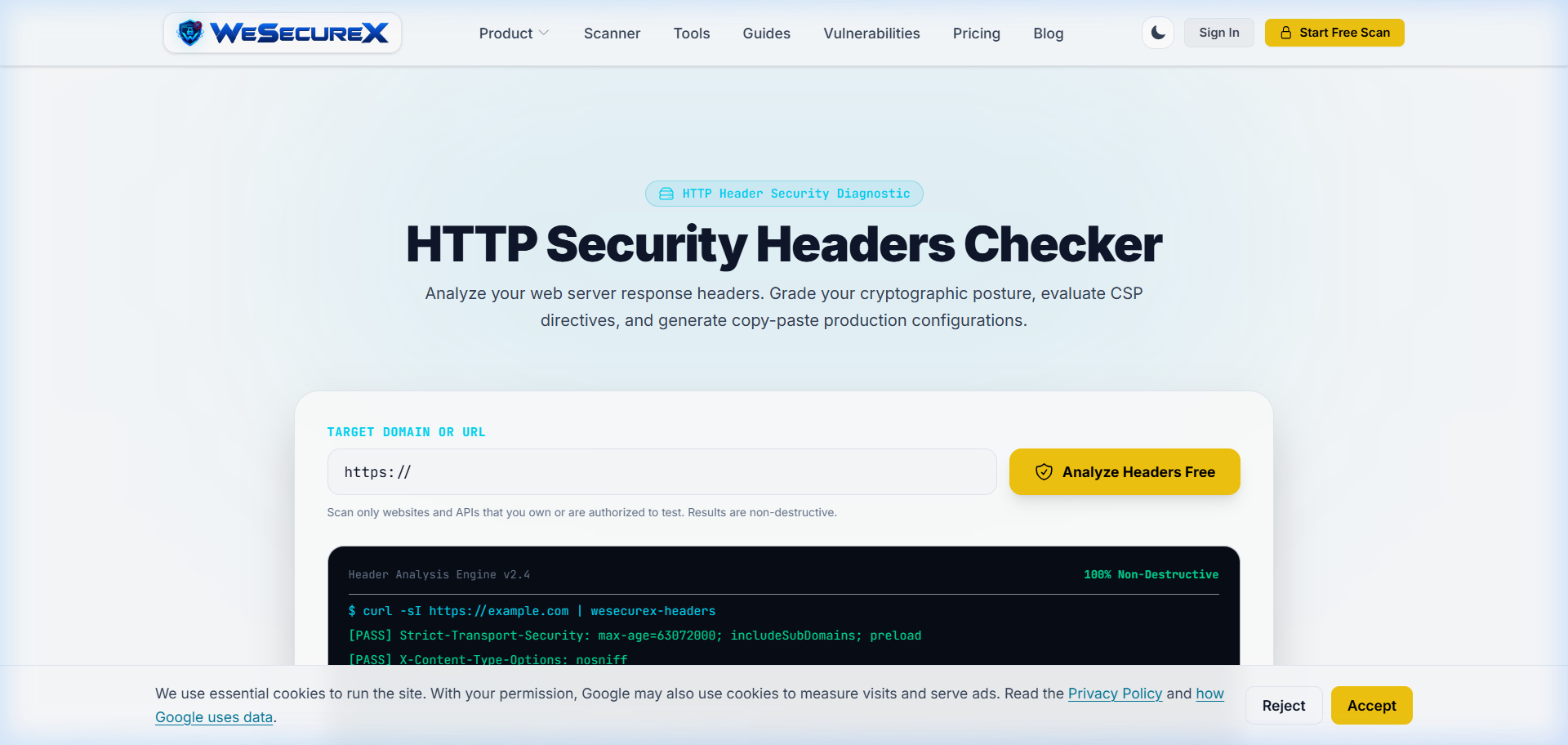
Audit your mobile application headers using the WeSecureX Security Headers Checker, test cross-origin policies with our CORS Checker, and read our comprehensive research on Why Security Headers Are Your First Line of Defense.
Never use full-screen intrusive modal overlays on mobile landing pages. Google algorithmically demotes web pages that block main content immediately after user navigation from mobile search results.
Apply it with WeSecureX
WeSecureX fetches each page on your own site with a mobile viewport and compares it to the desktop render, so parity gaps surface the way mobile-first indexing would expose them.
What the mobile fetch compares
- Structured data present on both renders
- Primary content and links present on mobile
- Blocked resources (CSS/JS) on mobileThe report flags pages where the mobile render drops content or schema the desktop version has, which is the parity gap this guide warns about.
Fix: serve parity to mobile
Ship the same content, links, and structured data
to the mobile render; stop blocking needed CSS/JS.
After the rescan
Re-run the check. When the mobile and desktop renders match, the parity findings clear.
WeSecureX modules for this topic
Checks that belong with this topic
- Include the standard mobile viewport meta tag on all HTML pages.
- Ensure 100% content and heading parity between mobile and desktop viewports.
- Include identical JSON-LD structured data microformats on mobile HTML.
- Optimize mobile LCP hero images using WebP/AVIF and responsive srcset.
- Keep mobile Interaction to Next Paint (INP) under 200ms.
- Audit mobile usability in the [WeSecureX SEO Dashboard](/seo-scanner).
Actionable Checklist
WeSecureX Platform · SEO Crawler
Technical SEO Intelligence Engine
Crawl domains to detect indexing issues, broken canonicals, robots.txt blocks, and Core Web Vitals regressions.
Includes: robots.txt & XML sitemap live validators · Canonical tag & duplicate content analyzer · Core Web Vitals field metric tracking
Frequently Asked Questions
Mobile-First Indexing means Google predominantly uses the mobile version of a website's content (crawled via Googlebot Smartphone) for indexing and ranking across all search results.
No. Modern best practice is using a single Responsive Web Design URL that adapts to all screen sizes via CSS media queries, avoiding duplicate content and canonical issues.
Google will index only the content visible on your mobile version. Any text or headings omitted on mobile will lose ranking credit for search queries.
INP is a Core Web Vitals metric measuring user interface responsiveness after taps or clicks. Poor mobile INP (> 200ms) negatively impacts user experience and search ranking signals.
Inspect your mobile URLs using Google Search Console and audit mobile performance inside the [WeSecureX SEO Dashboard](/seo-scanner).
Authoritative Sources & References
- Google Search Central - Mobile-first indexing best practicesGoogle (official)View Source
Related Guides
Continue exploring related technical architecture and defensive guides
Core Web Vitals · LCP
Core Web Vitals Optimization Guide (INP, LCP, CLS)
Developer blueprint for Core Web Vitals: sub-2.5s LCP through critical resource preloading, zero-shift CLS architectures, and sub-200ms INP main-thread yielding.
technical SEO · audit
Complete Technical SEO Audit Guide for Developers
Developer-focused guide to technical SEO auditing: crawl budget diagnostics, log file analysis, Googlebot rendering pipelines, and CI/CD audit automation.
Search Console · indexing
Google Search Console for Developers: Indexing & Diagnostics
Use Search Console as a production diagnostic loop for indexing, crawl anomalies, and Core Web Vitals regressions.