Step 1 - Domain Authorization & Scope Definition

Before launching any security scanning tool, confirm that you possess explicit written authorization or administrative ownership over the target domain. Scanning third-party websites without permission violates computer abuse laws in most jurisdictions.
Define clear testing boundaries:
- Production vs. Staging: Prefer conducting initial aggressive scans in staging environments that mirror production configurations without risk of impacting real users.
- WAF & Rate-Limit Allowlisting: Notify your Web Application Firewall (WAF) or hosting provider, allowlisting the scanner's IP address to prevent automated blocking during the audit.
- Domain Ownership Verification: Confirm ownership via DNS TXT records or HTML file placement before initiating scans.
Step 2 - Launching Authorized DAST Vulnerability Scans

Execute an automated Dynamic Application Security Testing (DAST) scan using a specialized scanner like WeSecureX Vulnerability Scanner. The scanner evaluates your target web pages against thousands of known security vulnerability signatures:
- Client-Side Vulnerabilities: Reflected XSS, DOM XSS, Clickjacking, and CSP header bypasses.
- Server-Side Vulnerabilities: SQL Injection, Command Injection, Path Traversal, and SSRF.
- Configuration Flaws: Missing HTTP security headers, outdated TLS ciphers, and exposed sensitive files (
.git,.env).
Step 3 - Triaging Findings & Verifying Fixes
Once a scan completes, export the vulnerability findings and prioritize remediation based on CVSS severity scores:
- Critical & High Severity (Fix within 48h - 7 days): SQLi, RCE, Stored XSS, and unauthenticated administrative access.
- Medium & Low Severity (Fix within 30 days): Missing security headers, weak TLS ciphers, and verbose error messages.
Apply necessary code fixes, redeploy to your staging server, and trigger a verification rescan to confirm that the vulnerability is permanently resolved.
Never mark a vulnerability as 'Fixed' without running a verification rescan to prove that the payload vector no longer executes.
Step 4 - Auditing HTTP Security Headers & TLS Cryptographic Posture
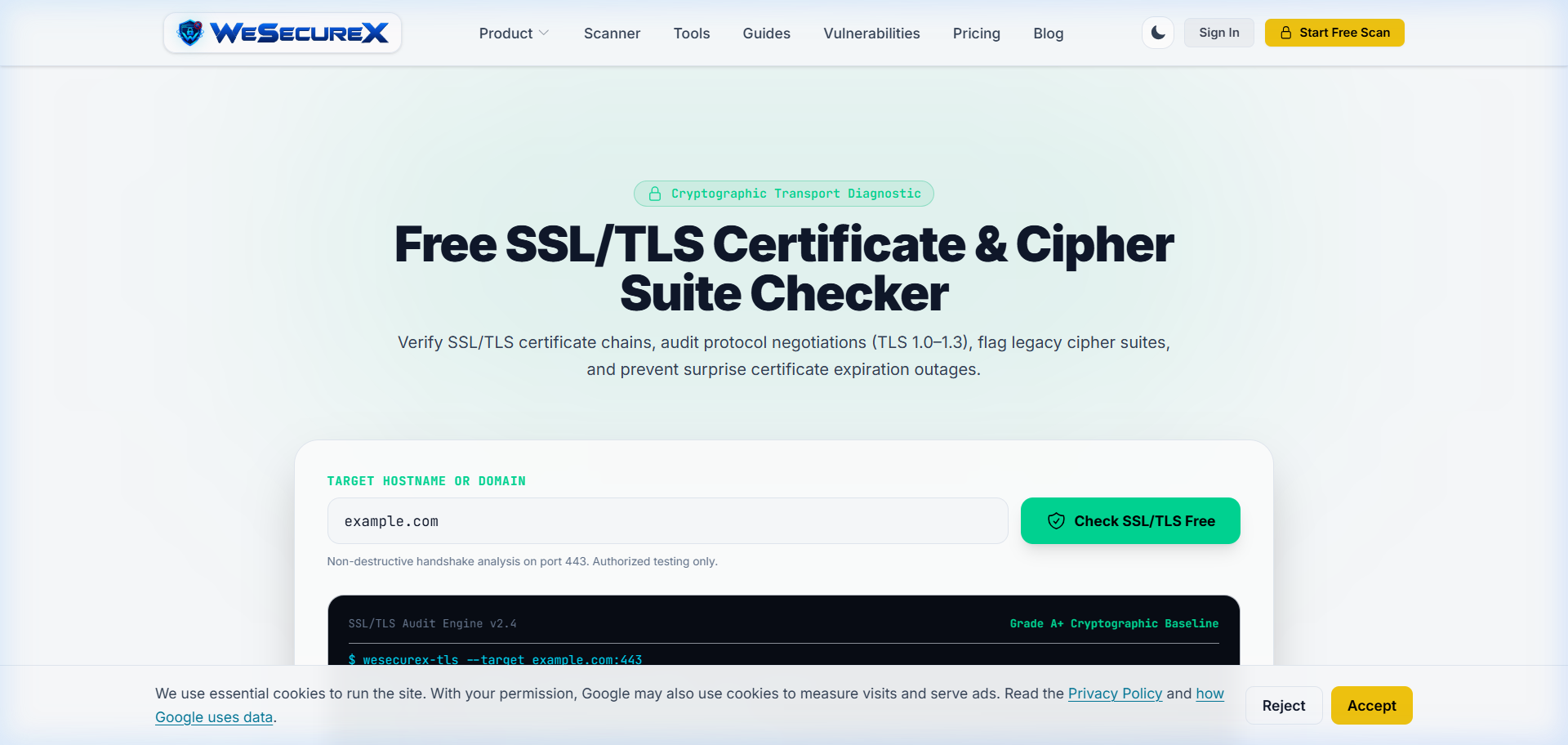
Beyond application code flaws, misconfigured web servers frequently leak sensitive data or leave users unprotected against transport-level attacks.
Hands-On Cryptographic & Header Auditing Workflow:
- Inspect Response Headers in DevTools: Open your browser's Developer Tools (
F12), navigate to the Network tab, click the initial HTML document request, and review Response Headers. Verify the presence ofStrict-Transport-Security,Content-Security-Policy,X-Content-Type-Options: nosniff, andX-Frame-Options: DENY. - Verify TLS 1.3 Protocol Negotiation: Run
openssl s_client -connect yourdomain.com:443 -tls1_3in your terminal to confirm that your server successfully negotiates TLS 1.3 with Perfect Forward Secrecy (PFS). - Audit DNS CAA Records: Check that your DNS zone contains Certificate Authority Authorization (
CAA) records restricting which CAs are permitted to issue certificates for your domain.
Alternatively, execute an automated cryptographic evaluation in seconds using the WeSecureX Free Scanner.
# Inspect HTTP Security Headers via curl
$ curl -sI https://example.com | grep -iE 'strict-transport|content-security|x-frame|x-content'

strict-transport-security: max-age=63072000; includeSubDomains; preload
content-security-policy: default-src 'self'; script-src 'self' 'nonce-...'
x-frame-options: DENY
x-content-type-options: nosniff
Step 5 - Building a Continuous Vulnerability Management Pipeline with WeSecureX
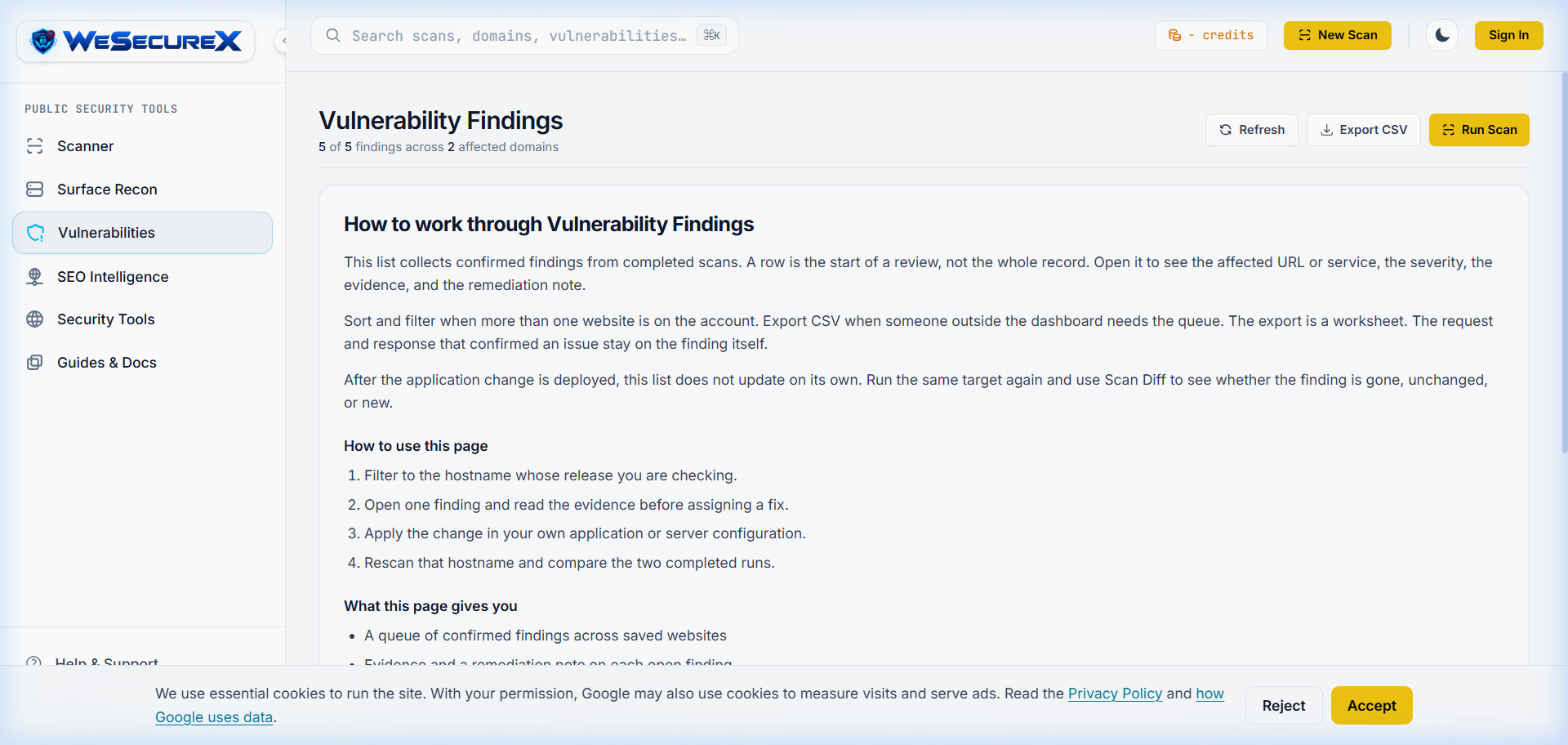
Conducting an isolated, one-off security scan provides only a temporary snapshot of your security posture. As development teams commit code daily and dependencies evolve, automated continuous scanning is mandatory.
The WeSecureX Continuous Assurance Lifecycle:
- Scheduled Automated Scans: Configure weekly recurring scans on production and nightly scans on staging branches inside the WeSecureX Dashboard.
- Remediation SLA Tracking: Automatically assign remediation deadlines based on CVSS severity (48 hours for Critical, 7 days for High, 30 days for Medium) inside the Vulnerabilities Dashboard.
- Executive Audit Exports: Export formal PDF audit scorecards mapped to SOC 2, ISO 27001, and PCI DSS compliance baselines for management and external auditors.
- One-Click Re-Scan Verification: After deploying a fix, click 'Verify Fix' to trigger an automated targeted probe that cryptographically verifies the vulnerability is closed before closing the issue.
# Automated CI/CD Regression Check via WeSecureX API
$ curl -X POST https://api.wesecurex.com/v1/scans \
    -H "Authorization: Bearer $WESECUREX_API_KEY" \
    -d '{"target": "https://staging.example.com", "profile": "owasp-top-10"}'

{"scan_id": "wsx_scan_8921a", "status": "QUEUED", "estimated_duration": "45s"}
Apply it with WeSecureX
Here is the exact path to check a site you own in WeSecureX, matching the steps described above.
Steps in the product
1. Add the hostname and verify ownership
2. Start a scan from the dashboard
3. Open the findings list for that targetEach confirmed check lists the request sent and the response that matched, so you can reproduce it before changing code.
Then fix and confirm
Apply the fix in your app, rescan the same host,
and compare the new report with the old one.
After the rescan
A finding that no longer appears on the rescan is closed for that scan. One that remains means the response still matches and the fix did not land.
WeSecureX modules for this topic
Checks that belong with this topic
- Confirm domain ownership via DNS TXT or HTML file verification.
- Allowlist scanner IP addresses in Web Application Firewalls (WAF).
- Execute an authorized DAST vulnerability scan using [WeSecureX Scanner](/scanner).
- Prioritize Critical and High severity findings for immediate patch deployment.
- Re-run verification scans after applying code updates.
- Track open vulnerability trends inside the [WeSecureX Dashboard](/vulnerabilities).
Actionable Checklist
WeSecureX Platform · Scanner Engine
Automated Vulnerability Scanner
Launch targeted or full-domain security audits to detect OWASP Top 10 vulnerabilities automatically.
Includes: OWASP Top 10 automated test suites · Real-time severity scoring (CVSS v3.1) · Instant remediation code snippets
Frequently Asked Questions
It is legal ONLY if you own the website or have explicit written authorization from the owner. Scanning third-party websites without permission violates laws such as the US Computer Fraud and Abuse Act (CFAA).
SAST (Static Application Security Testing) analyzes source code files from the inside. DAST (Dynamic Application Security Testing) tests running web applications from the outside by sending real HTTP requests.
Well-designed scanners allow configuring request concurrency and rate limits to prevent server overload. Running scans in staging environments completely avoids production impact.
You can start an authorized domain scan immediately using the [WeSecureX Vulnerability Scanner](/scanner) to receive a complete security report.
Authoritative Sources & References
- OWASP Vulnerability Scanning GuideOWASP (official)View Source
Related Guides
Continue exploring related technical architecture and defensive guides
vulnerability scanner · DAST
Website Vulnerability Scanner: What It Detects and How It Works
Learn how automated DAST scanners crawl websites, fuzz inputs, analyze response patterns, and flag security flaws.
OWASP Top 10 · web application security
OWASP Top 10 Web Application Security Risks Explained
The definitive architectural guide to the OWASP Top 10: comprehensive breakdown of all 10 vulnerability categories, root causes, exploit patterns, and remediation code.
security headers · CSP
Complete Guide to HTTP Security Headers (CSP, HSTS & More)
Master the essential HTTP security headers: CSP Level 3, HSTS preloading, clickjacking defense, MIME sniffing prevention, and production server configurations.